Updated August 2026: this guide now covers the grid editor, EasyCatalog's primary catalog designer. The free-form Advanced designer this article originally described is still available for pixel-level control — more on that at the end.
The grid editor turns your Shopify products into a finished, on-brand PDF catalog in minutes. You pick a design kit, the app builds a complete catalog around sample products so you can see the end result immediately, and then you swap in your own collections. Everything is drag-and-drop, everything autosaves, and the same document exports as a print-ready PDF and works as an online order form your wholesale buyers can order through.
Here's the whole flow, start to finish.
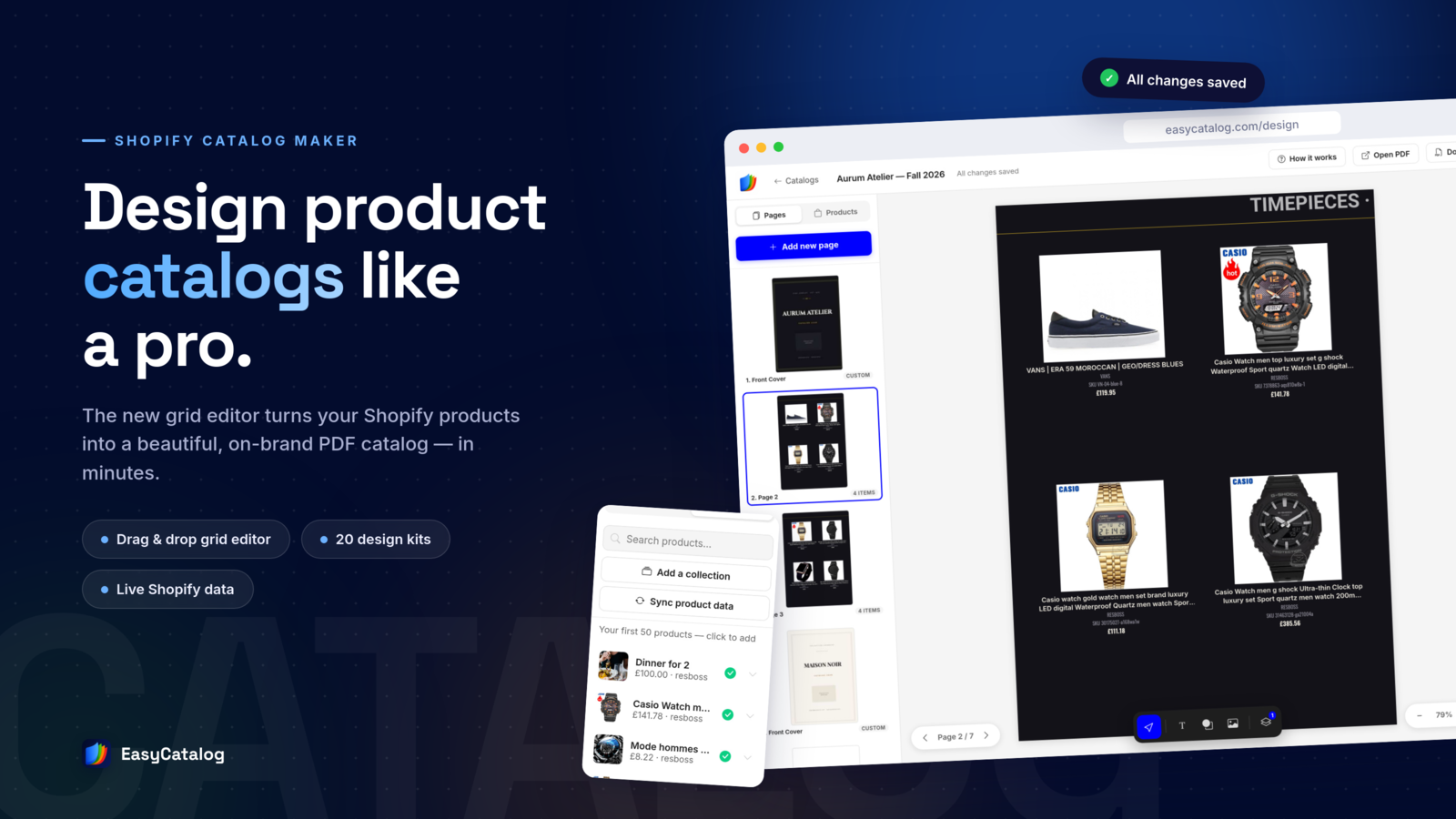
Meet the Grid Editor
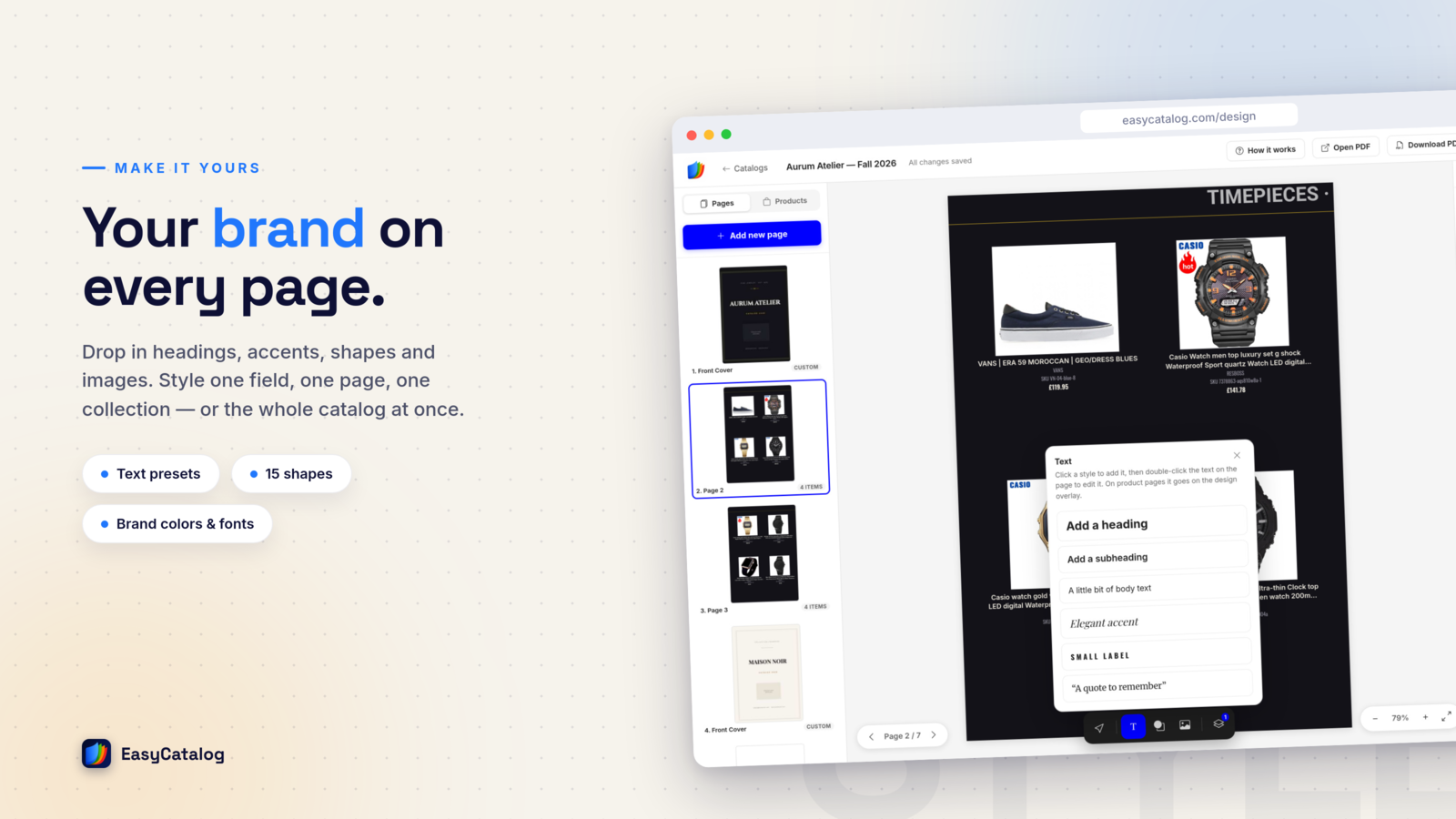
The editor has two rails: Pages on the left (front cover, product pages, content pages, back cover — add or reorder them freely) and the live page canvas in the middle, always showing exactly what the PDF will look like. A Products tab lists everything you've imported — click a product to add it to the current page, or drag it onto the exact cell you want (clicking an empty cell opens the product list for you). Every change saves automatically — the "All changes saved" badge in the top bar is your confirmation.
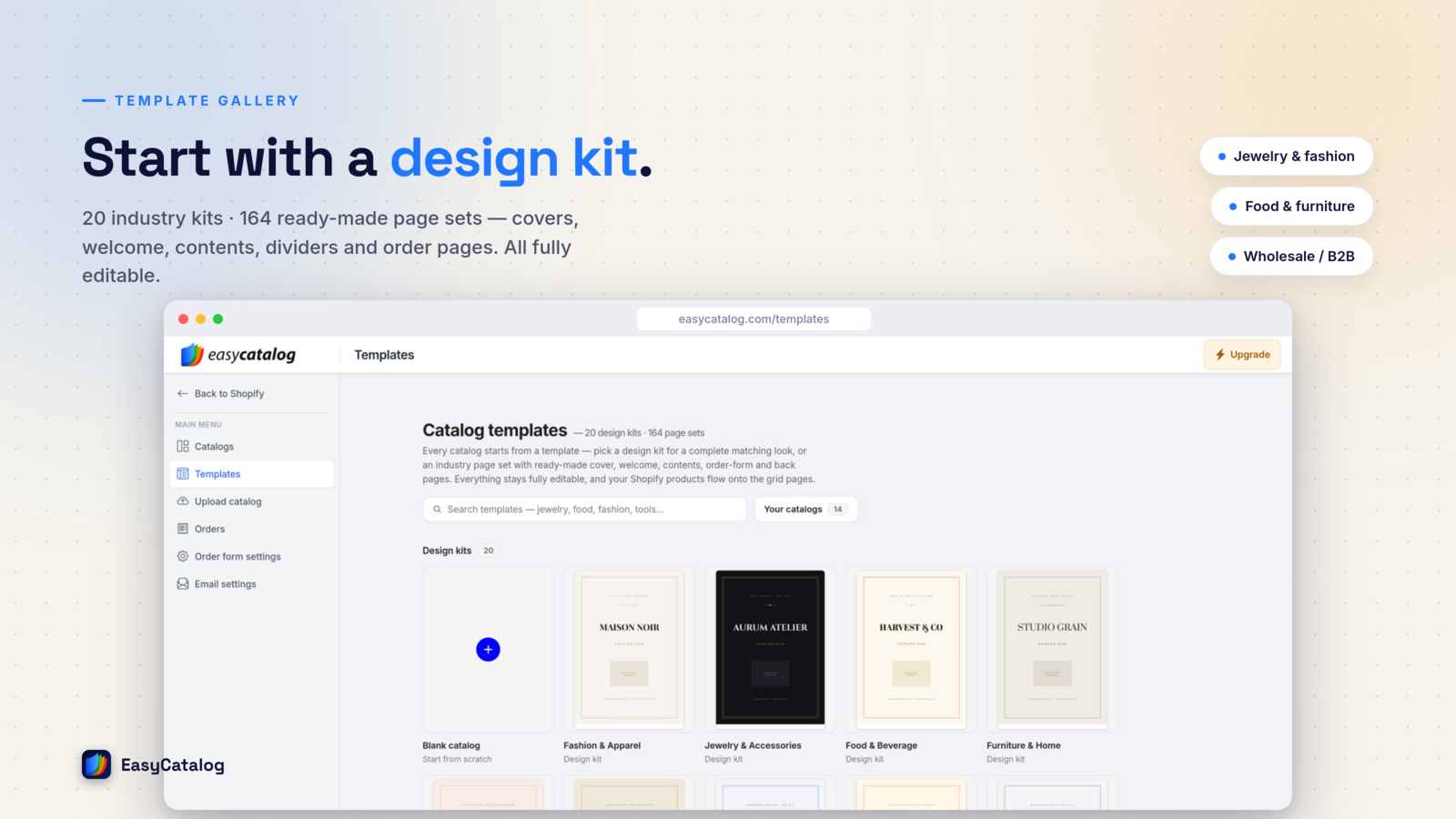
Step 1: Pick a Design Kit
Start at the template browser and choose one of 20 design kits — complete looks with a cover, typography, colors and page styling for fashion, jewelry, food, furniture, industrial parts and more. A kit isn't a straitjacket: every color, font and layout decision stays editable after you pick it.
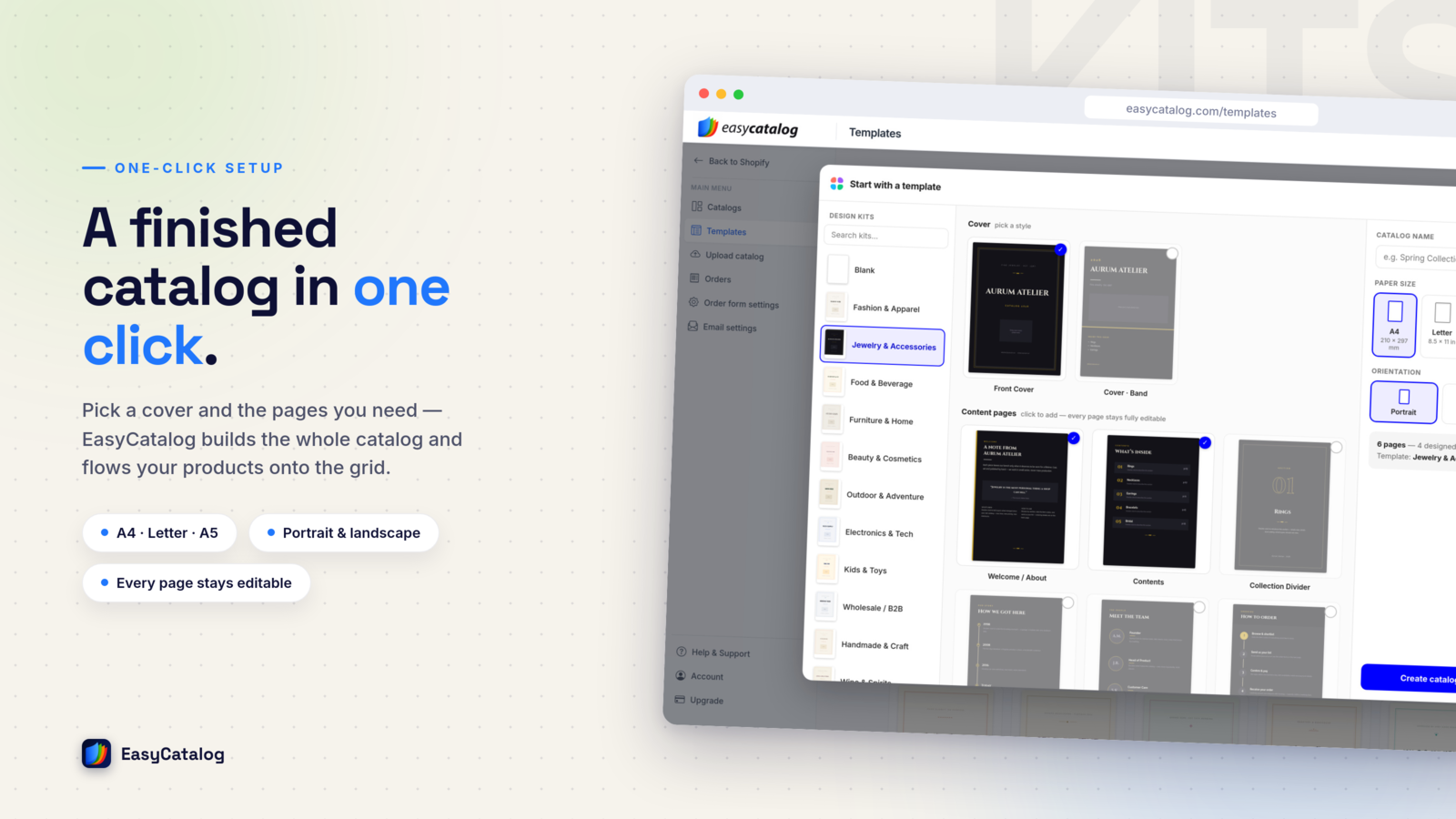
Step 2: One Click, a Whole Catalog
When you open a kit, the editor doesn't hand you a blank page — it builds a complete catalog on the spot: front cover, styled product pages filled with sample products, and a back cover. That means you judge the design by looking at a real catalog, not an empty grid, and replacing the samples with your own products is the only work left.
Step 3: Import Your Products
Hit Add a collection and pick any collection from your store — products arrive with photos, titles, SKUs, prices and variants. Before importing you choose the currency (your store's market currencies are all available) and, if your shop is translated, the language the catalog should use. B2B sellers can import an existing B2B catalog complete with its price list, and if you sell by variant, a product can be split so every variant gets its own row.
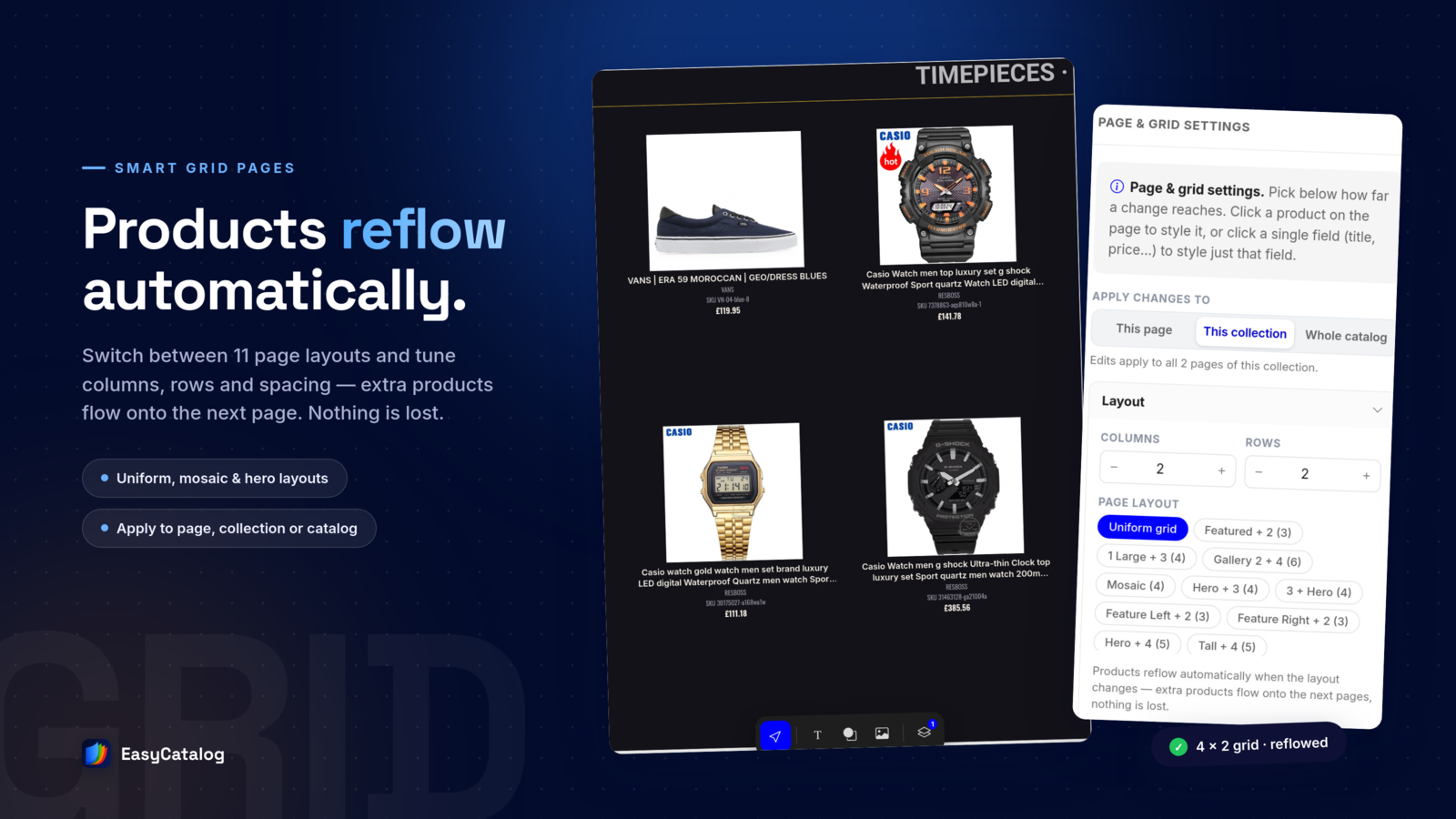
Products flow into the grid page by page. Need a different density? Change the rows and columns per page — from one hero product to a tight grid — and the product info scales to fit. Drag products between cells to reorder them; drag a product out to the tray to shelve it for later.
Step 4: Make It Yours
This is where the catalog becomes your catalog. Click any product field to control what shows and how it looks: title, SKU, description (rich text supported), and prices. Prices deserve a special mention — you can move the price into a corner badge on the product photo, apply a catalog-wide discount with a crossed-out original price, and pick your number format (1,299.00 or 1.299,00 — your buyers' locale, your call). None of this touches your store's real prices.
Step 5: Export and Share — One Catalog, Four Outputs
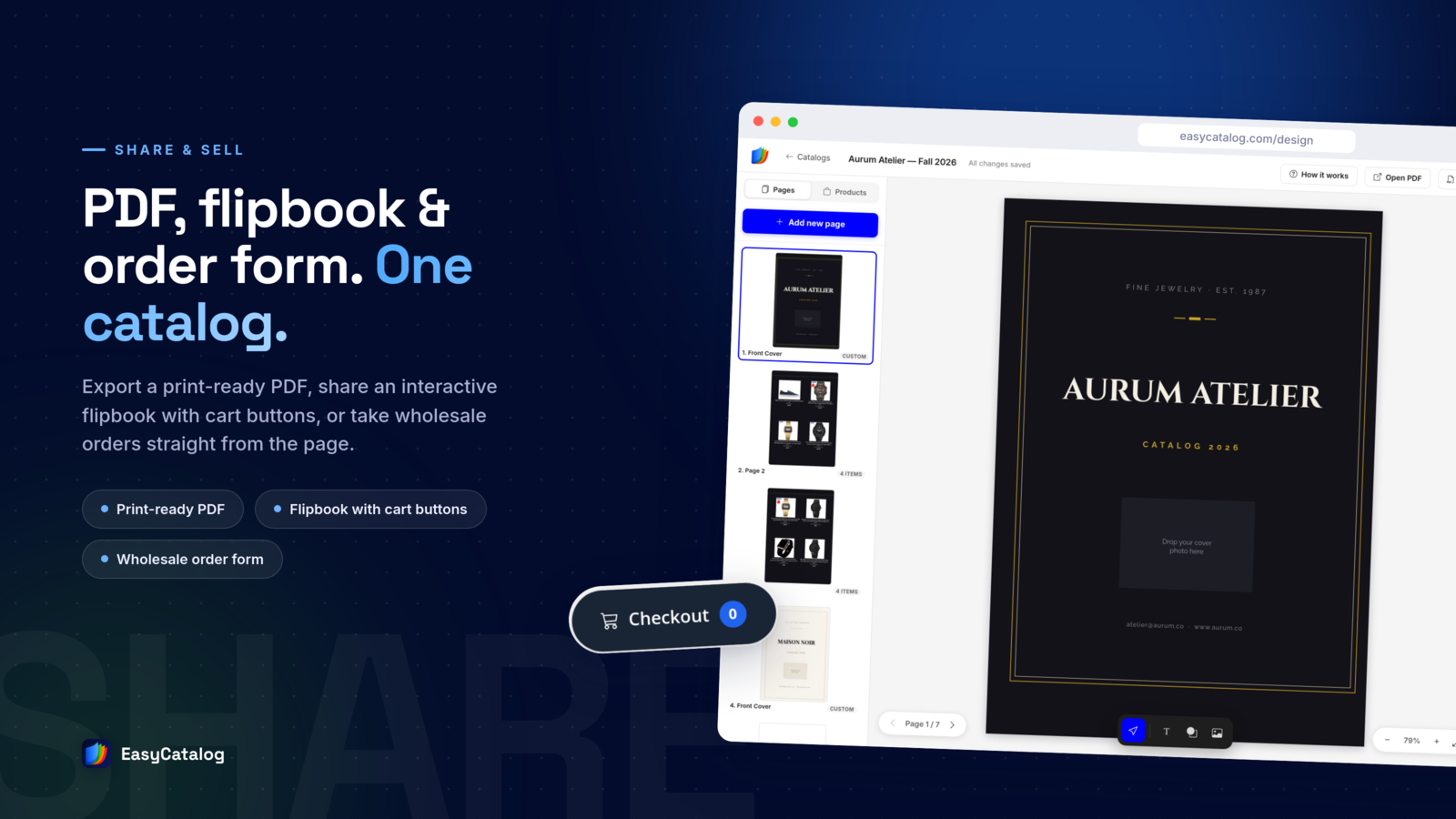
When the catalog looks right, one document gives you every output you need:
- Print-ready PDF — quality tiers up to a 300 DPI professional print export for the print shop.
- Wholesale link — an interactive flipbook with a built-in order form; buyers set quantities and submit the order, and you both get an email confirmation.
- Retail link — the same flipbook with buy buttons that link every product to your store.
- Showcase link — a clean, price-free browsing experience for lookbooks and press.
When products or prices change, re-sync the catalog and export again — next season's edition is one click, not a new project.
Want Pixel-Level Control? The Advanced Designer Is Still Here
The grid editor is the fastest path to a professional catalog, and it's where we recommend everyone start. If you need free-form, Canva-style control — moving individual elements, custom shapes, QR codes, per-element styling — the Advanced designer is still one click away from your workspace, and both editors import live product data straight from your store and give you the same outputs — a print-ready PDF plus wholesale, retail and showcase links.
From Store to Catalog in Minutes
Design kit, import, arrange, export: that's the entire workflow. No design software, no copy-pasting product data, and no stale catalogs — the document stays connected to your store. If you're starting from zero, the product catalog template guide covers what a great catalog contains, and the template gallery shows 150+ looks you can start from.
Try the Grid Editor
Pick a design kit, import a collection, and export a finished PDF catalog in minutes. There's a free plan to start — no credit card.
Install Free on Shopify Start free without a store